
JoinMyWifi · Cyprus
Queue Management Software for Businesses in Cyprus
Let customers take a number, wait comfortably, and get notified when it is their turn.
Meet QLine
JoinMyWifi provides QLine, a queue management software solution for businesses that serve customers in order — reducing physical waiting lines, improving customer experience and organizing staff workload more efficiently.
Suitable for clinics, service centers, government-style desks, retail stores, takeaway counters, banks, telecom shops, repair centers, pharmacies, restaurants, customer support desks and any business where customers wait to be served.
Solutions
Everything you need to manage queues
Flexible building blocks JoinMyWifi configures around your workflow.
Digital Queue Management System
Manage customer queues digitally so staff can serve people in a more organized and fair way.
Take-a-Number Queue Software
Customers take a number via QR code, tablet, kiosk, reception desk, or printed ticket.
QR Code Queue Entry
Customers scan a QR code to join the queue from their own smartphone — no app needed.
Reception Desk Queue Entry
Reception adds customers manually, selects the queue type and issues a queue number.
Multi-Service Queue Management
Run separate queues for payments, support, pickup, consultations and more — each with its own rules.
Multi-Counter Queue System
Route customers to the correct counter, desk or room across your service points.
Waiting Room Display
Show now-serving number, counter, waiting list and announcements on a screen.
Customer Notifications
Notify customers via display, SMS, browser, email, audio or staff call-out.
Clinics & Healthcare
Organize reception check-in, doctor queues, departments, walk-ins and appointments.
Food & Takeaway
Manage pickup orders and counter service for restaurants, cafés, bakeries and food courts.
Retail Service Queues
Handle product consultation, repairs, returns, pickup and VIP service professionally.
Appointments & Walk-ins
Combine appointment check-in with walk-in queueing in a single clear workflow.
Priority Rules
Configure priority handling for VIP, elderly, urgent cases, appointments or special categories.
Custom Queue Workflows
JoinMyWifi configures QLine end-to-end around how your business actually operates.
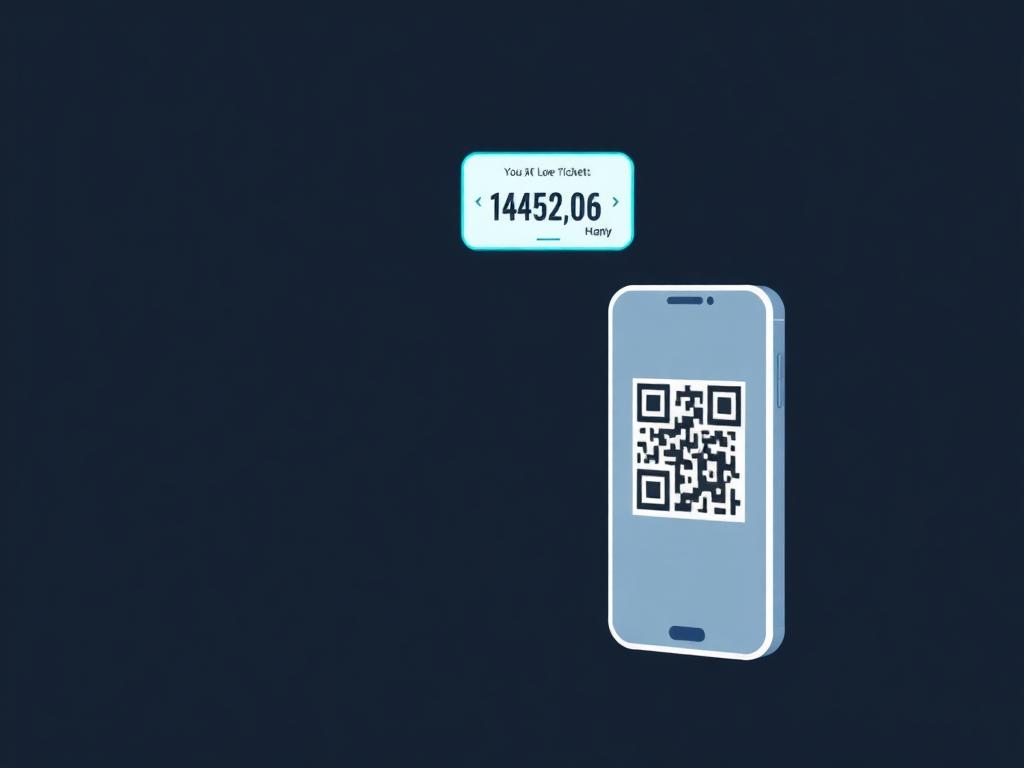
QR Code Entry
Customers scan and join the queue from their own phone.
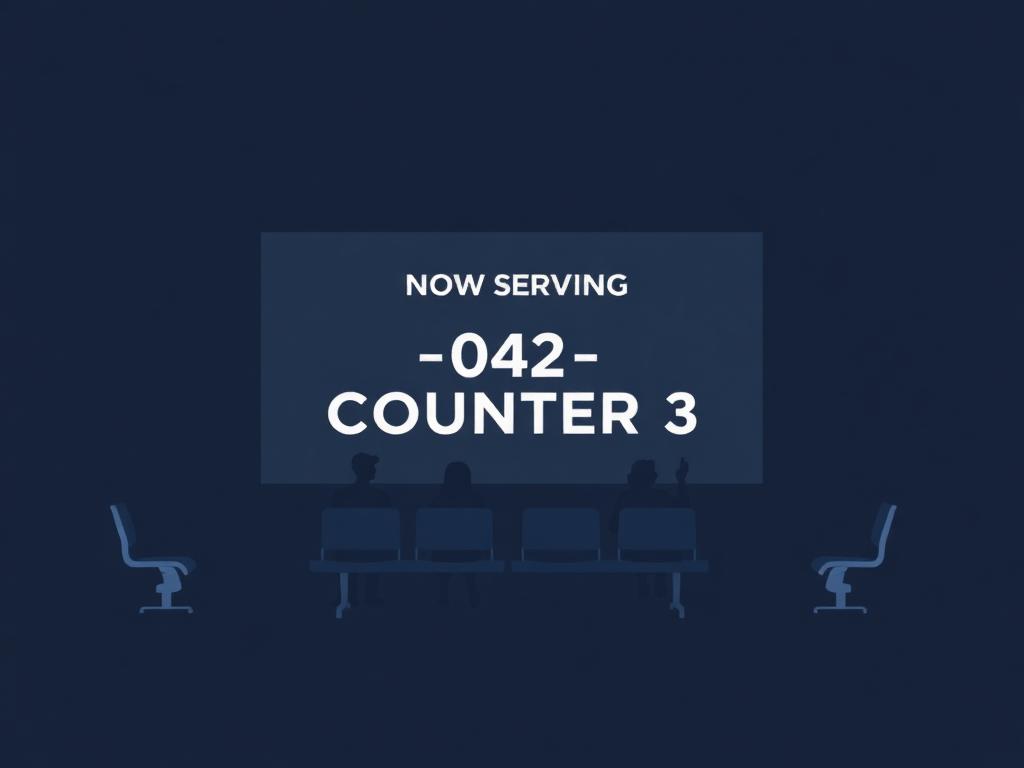
Waiting Room Display
Show now-serving number, counter and announcements.
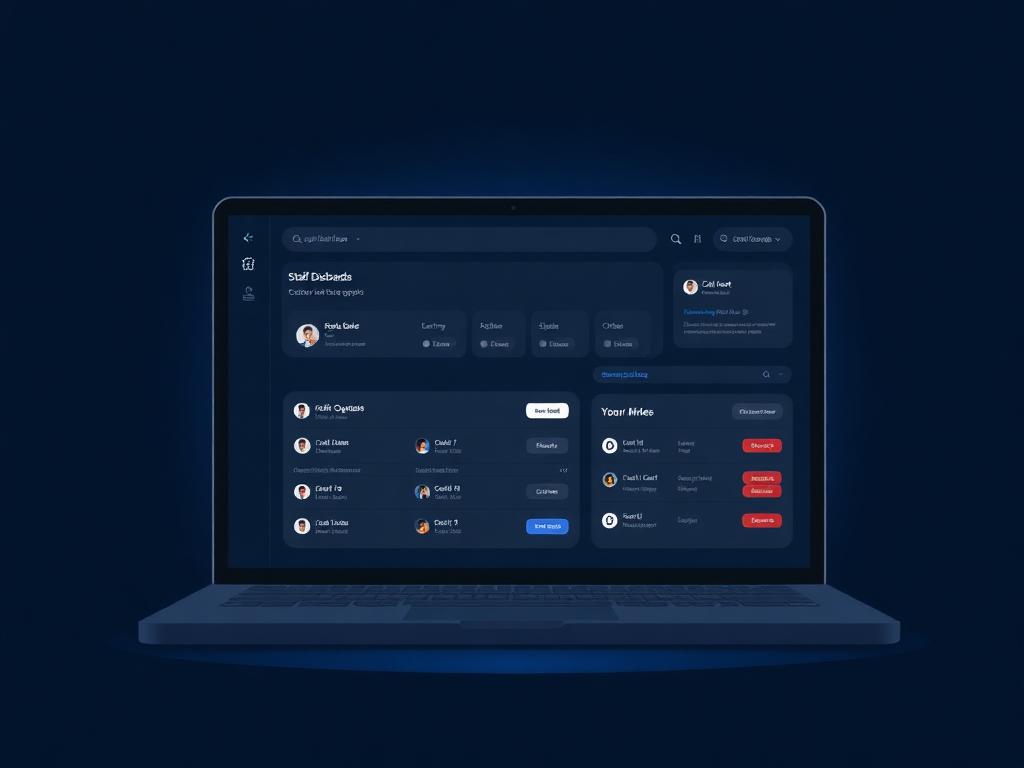
Staff Dashboard
Call next, transfer customers, track service activity.
Benefits
Why businesses choose QLine
Reduced Physical Lines
Customers take a number and wait comfortably instead of crowding the counter.
Better Customer Experience
A clear queue number gives customers confidence the process is fair and organized.
More Organized Service
Staff see who is waiting, what they need and who is next — even on busy days.
Fairer Waiting Process
Customers are served in the correct order, reducing disputes and complaints.
Less Pressure on Reception
Customers see their number, so reception spends less time answering ‘when is my turn?’
Better Staff Productivity
Staff call the next customer from a dashboard, saving time at every counter.
Calmer Waiting Rooms
A visible display makes the wait clearer and less stressful.
Improved Customer Flow
Manage flow from arrival to service completion in a controlled process.
Visibility for Management
Reports show busy times, waiting times, customers served and staff workload.
Multi-Department Support
Run multiple queues from one system across different counters and services.
More Professional Image
A structured queue makes your business look organized and modern.
Local Support in Cyprus
JoinMyWifi provides onsite setup, training and support across Cyprus.
How it works
From consultation to launch
A clear 12-step process from first meeting to ongoing support.
Consultation
We learn how customers wait in your business today and what needs to improve.
Queue Workflow Design
We define the customer journey from arrival to service completion.
Service Categories
Configure the service types customers can choose from.
Counters & Staff
Set up counters, rooms, desks and assign staff users.
Customer Entry
Choose QR code, reception, tablet, kiosk, web or printed tickets.
Display & Notifications
Configure displays, SMS, audio, browser or staff call-out.
Staff Dashboard
Staff manage waiting customers, call next, transfer and mark served.
Manager Dashboard
Real-time visibility into queues, demand and performance.
Testing
Full end-to-end test of entry, calling, displays, notifications and reports.
Staff Training
We train your team on every relevant part of the system.
Launch
QLine goes live and your queue runs digitally.
Support & Optimization
Ongoing tuning of categories, rules, notifications and reports.
Features
A complete feature set
Configurable, web-based and ready to fit your operation.
Pricing
Transparent and tailored to your business
QLine Queue Management Software
Pricing starts from
€4,000
The final price depends on counters, queues, customer entry method, displays, notifications, reporting, customization, integrations and hardware needs.
Request a QuoteWhat can affect the price
Number of counters, departments, queue types, staff users, entry methods, displays, ticket printing, SMS/audio notifications, priority rules, dashboards, branding, multilingual support, custom workflows, integrations, hardware and training.
Hardware
Priced separately. Screens, tablets, kiosks, ticket printers, speakers, mini PCs, network equipment, mounting and QR code signage — recommended based on your location and workflow.
FAQ
Frequently asked questions
What is QLine?
QLine is queue management software that lets customers take a number, wait comfortably and be informed when it is their turn.
What types of businesses can use QLine?
Clinics, service centers, retail stores, telecom shops, repair centers, takeaway counters, pharmacies, customer support offices, banks, reception areas and any business where people wait to be served.
Do customers need to download an app?
No. Customers can join the queue through a QR code or web-based interface — no app required.
Can reception staff create queue numbers manually?
Yes. Reception can add customers to the queue when needed.
Can the system support multiple counters and departments?
Yes. QLine supports multiple counters, rooms and departments, each with its own queue rules.
Can it show the queue on a screen?
Yes. A waiting room display can show the current number, counter and other useful information.
Can customers be notified when it is their turn?
Yes — via display, browser, SMS, audio or staff call-out, depending on setup.
Can it work without a ticket printer?
Yes. QLine works using QR codes, mobile queue numbers, displays and dashboards.
Can priority customers be served faster?
Yes. Priority rules can be configured for VIP, appointments, urgent cases and more.
Can the display be branded?
Yes. Display and customer-facing interfaces can use your logo, colors and style.
Can it support Greek and English?
Yes. The interface supports multiple languages — Greek and English are common for Cyprus businesses.
Do you provide the hardware?
Yes. We can recommend and supply screens, tablets, kiosks, ticket printers, speakers and network equipment.
Do you provide onsite support?
Yes. JoinMyWifi provides local onsite support in Cyprus for setup, installation, training and troubleshooting.
How much does QLine cost?
Pricing starts from €4,000 and depends on counters, queues, displays, users, notifications, integrations and hardware.
Can we start simple and expand later?
Yes. Start small and add counters, displays, notifications, priority rules or integrations over time.
Make waiting easier and service more organized
QLine by JoinMyWifi helps businesses in Cyprus organize queues, inform customers when it is their turn and give staff a clearer way to manage waiting customers.
Contact us today